Completing a CAQH profile is an important step for many healthcare professionals going through credentialing and payer enrollment in the United States.
The process can seem complicated at first. You need to provide professional information, employment history, licenses, practice details, and supporting documents. You also need to review and attest to the information before authorized organizations can access your profile.
The good news is that the process becomes easier when you know what to expect.
This guide explains how to fill out CAQH in 2026. It covers CAQH profile setup, the CAQH application process, required information, document uploads, attestation, common mistakes, and ongoing maintenance.
It also explains how MantraComply can help organizations manage CAQH and the wider credentialing workflow.
2026 source note: CAQH requirements and portal workflows can change. Always follow the instructions shown in your current CAQH account and any additional requirements from the health plans or organizations you are working with.
What Is CAQH?
CAQH stands for the Council for Affordable Quality Healthcare.
CAQH operates the CAQH Provider Data Portal, which allows healthcare professionals to maintain professional and practice information in a centralized profile.
Participating healthcare organizations can access authorized provider information for purposes such as credentialing and other administrative activities. This can reduce the need for providers to repeatedly provide the same information to different organizations.
However, completing a CAQH profile does not automatically mean that a provider is credentialed with every health plan.
Each payer or organization can have its own credentialing, contracting, and enrollment requirements.
Therefore, CAQH should be viewed as an important part of the overall credentialing process rather than the entire process.
Why Is CAQH Important for Credentialing?
Credentialing requires accurate information about a provider’s qualifications and professional history.
A provider may need to provide information about education, training, licenses, certifications, employment, practice locations, hospital affiliations, and professional liability insurance.
CAQH gives participating organizations access to a central provider profile when the provider has completed the required steps and authorized access. This can make information sharing more efficient.
It also means that inaccurate or outdated information can create problems.
For example, an expired license or outdated malpractice insurance document may need to be addressed before a credentialing process can move forward.
That is why completing the profile accurately is only the beginning. Keeping it updated is equally important.
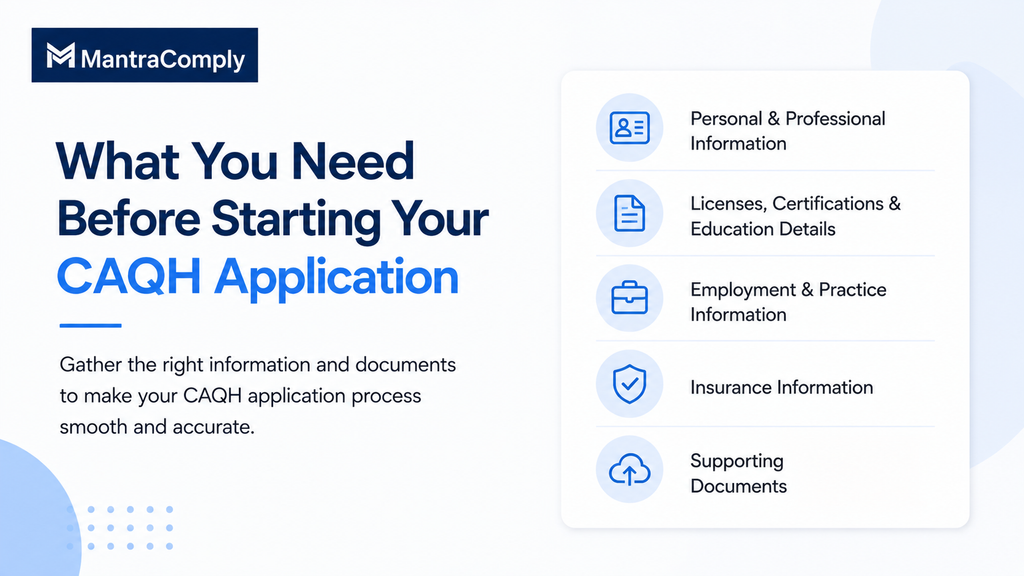
What You Need Before Starting Your CAQH Application
Before you learn how to fill out CAQH in 2026, gather your professional records and supporting documents. Having this information ready can make the application process easier and help prevent errors.
You should generally have access to your individual or Type 1 NPI, professional license information, education and training details, employment history, practice locations, hospital affiliations, and professional liability insurance information.
You may also need other credentials or documents based on your provider type and the requirements of the organization requesting your CAQH profile.
The information and documents required can vary. Therefore, review the requirements shown in your CAQH account before you begin.
It is also helpful to check your records for outdated information. Review expiration dates and employment dates in advance. This allows you to enter information directly from your official records rather than relying on memory.
Taking this preparation step can make the “how to fill out CAQH in 2026” problem much more straightforward to solve. It also helps ensure that the information in your profile matches your supporting documents.
Step 1: Create or Access Your CAQH Account
The first step in learning how to fill out CAQH is accessing the Provider Data Portal.
New users may receive an email containing their CAQH Provider ID and instructions for creating an account.
If you already have a CAQH account, use your existing account. Do not create a duplicate profile simply because you cannot immediately find your existing information.
CAQH provides account-recovery options for users who need help locating their account or Provider ID.
Once you sign in, you can access the main areas of the Provider Data Portal.
Your first objective is to make sure your account information is correct.
Check your name and contact information carefully.
Make sure your primary email address is current. This is important because CAQH uses email notifications for important account communications, including re-attestation reminders.
Step 2: Complete Your CAQH Profile Data
After your account is set up, you can begin entering your professional information.
The information displayed in your profile can depend on your provider type and other selections made during profile setup.
Take your time here.
Do not skip sections simply because you think they are not important.
Personal Information
Start by reviewing your personal information.
Check your name and contact details.
If information has been pre-populated, review it rather than assuming that it is automatically correct.
Pay particular attention to your primary email address. An outdated email address can cause you to miss CAQH notifications.
Profile Setup
The Profile Setup section helps determine how your profile is configured.
Depending on your circumstances, you may be asked to identify information such as your provider type, specialty, and primary practice state.
Select the options that accurately represent your professional status.
Do not select a provider type simply because it appears similar.
Your selections can affect the information and questions displayed later in the profile.
Education and Training
Next, enter your education and professional training information.
Use your official records when entering dates and institution details.
This can include your professional school information and relevant postgraduate education or training.
Make sure the dates are accurate.
Do not estimate dates when the information can be verified from your records. Accurate education information can also make later credential verification easier.
Licenses and Certifications
Your professional licenses are another critical part of the CAQH application.
Enter each applicable license carefully.
Check the:
- License number.
- Issuing state.
- Effective date.
- Expiration date.
- License type.
The information should match your official license.
Do not leave an expired license marked as current.
If you have recently renewed a license, make sure your profile reflects the current information and that any required supporting document is also updated.
This is particularly important during re-attestation. Expired license or professional liability insurance information may require correction before a provider can complete the attestation process.
Step 3: Add Practice Locations and Professional History
Once your core information is entered, complete your practice and professional history.
This section requires attention to detail because credentialing organizations may use this information to verify your professional background.
Practice Locations
Enter your current practice locations accurately.
Check the practice name, address, contact information, and other fields requested by the portal.
If you work at multiple locations, review each one.
Do not assume that updating one practice location updates every location on your profile.
Also review your locations when you change practices. An old address should not remain listed as a current practice location if it is no longer applicable.
Hospital Affiliations
If applicable, enter your hospital affiliations.
The CAQH Provider Data Portal includes information relating to hospital privileges and affiliations.
Review each affiliation carefully.
If an affiliation is no longer current, make sure the information is updated appropriately.
The goal is to give authorized organizations an accurate picture of your current professional relationships.
Employment History
Employment history is one of the sections that requires the most preparation.
CAQH guidance requires relevant employment history information, including relevant professional experience.
The current CAQH provider guidance identifies a 10-year employment-history period for relevant experience, while individual organizations can have additional requirements.
Do not rely on memory alone.
Use your CV, previous applications, and employment records to check dates.
Pay special attention to gaps.
Some credentialing organizations require explanations for gaps in professional history.
If a payer or credentialing organization has asked for a specific history period or format, follow its requirements as well.
Never invent an employer or date simply to make the timeline look complete.
Accuracy is more important than making the history appear perfect.
Step 4: Add Insurance Information and Upload Supporting Documents
Professional liability insurance is another important part of your CAQH profile.
Enter the information exactly as it appears on your current insurance documentation.
Check your policy number, coverage information, and expiration date.
CAQH guidance indicates that information entered for professional liability insurance should match the supporting insurance document. A mismatch can result in the document being rejected.
This is why it is better to have the actual insurance certificate available while completing the application.
Do not guess the policy number.
Do not copy an old expiration date.
Use the current document.
Upload Supporting Documents
After completing the relevant profile sections, review the Documents area.
CAQH identifies documents that are needed to complete the application. Depending on the provider and requirements, these can include credentials and other supporting documentation.
CAQH’s provider guidance explains that supporting documents can be uploaded directly into the portal.
Make sure each document is:
- Current.
- Legible.
- Associated with the correct credential.
- Consistent with the information entered in your profile.
Check expiration dates before uploading.
If a document has expired, replacing it with an older copy does not solve the problem.
You need the current supporting documentation where required.
Step 5: Review, Attest, and Authorize Your CAQH Profile
Completing the fields is not the final step.
You must review the information before attesting.
CAQH’s provider guidance instructs users to select Review & Attest, review their data summary, and make corrections before completing the attestation.
Use this stage as a final quality check.
Review your:
- Personal information.
- Provider type and specialty.
- Education.
- Licenses.
- Practice locations.
- Hospital affiliations.
- Employment history.
- Insurance information.
- Supporting documents.
If something is wrong, return to the relevant section and correct it.
Do not attest to information that you have not reviewed.
What Does CAQH Attestation Mean?
Attestation confirms that you have reviewed the information in your profile and that it is accurate and complete to the best of your knowledge.
It is not simply a button that submits your application.
It is a confirmation of the information you have provided.
After completing your initial attestation, CAQH can make your information available to organizations you have authorized once the required application and supporting-document requirements have been satisfied.
Authorize Access
You also need to consider who can access your CAQH information.
The Authorize section allows providers to manage access to their information.
Follow the instructions in your current CAQH account and consider the requirements of the organizations with which you are completing credentialing.
Remember that an organization accessing your CAQH profile does not necessarily mean that your credentialing process with that organization is complete.
Continue communicating with the payer or organization regarding credentialing status and any additional requirements.
What Happens After You Complete Your CAQH Application?
Knowing how to fill out CAQH is only the first step. After you complete your profile and attestation, you may still need to submit and address supporting documents.
CAQH uses provider statuses to show where your profile is in the process. These can include Profile Data Submitted, Initial Profile Complete, Re-Attestation, and Expired Attestation.
This distinction is important. Submitting your profile data does not necessarily mean that every requirement has been completed.
After submitting your application, check your provider status and review the Documents section. Look for missing, outdated, or rejected documents and resolve any outstanding requirements.
You should also confirm your credentialing status with the health plan or organization that requested your CAQH profile. Completing CAQH does not automatically complete payer credentialing or enrollment.
If you update information after completing your profile, make sure you follow the applicable attestation requirements so authorized organizations can access the updated information.
How Often Do You Need to Update CAQH?
CAQH is not a one-time application.
Most providers must re-attest their information every 120 days.
Illinois providers have a 180-day re-attestation period under CAQH’s published guidance. CAQH also sends reminders before the re-attestation deadline.
Do not wait for the final reminder.
Whenever something changes, review your profile.
This can include:
- A new state license.
- A renewed professional liability policy.
- A new practice location.
- A change in employment.
- A new hospital affiliation.
- A change in professional information.
CAQH guidance also indicates that after profile information is changed, the provider needs to complete attestation so authorized organizations can view the updated information.
Regular maintenance is therefore just as important as the initial CAQH application.
Common CAQH Application Mistakes to Avoid
A few errors can create unnecessary credentialing delays.
Entering Information From Memory
Your professional information should come from reliable records.
Dates are especially easy to enter incorrectly.
Check your CV, licenses, insurance documents, and other source records before entering information.
Leaving Old Information in the Profile
A provider who has changed employers or practice locations should review the profile rather than continuing to use old information.
Outdated information can create questions during credentialing.
Uploading Mismatched Documents
The information on your document should match the information in your CAQH profile.
This is particularly important for professional liability insurance.
CAQH specifically notes that discrepancies can result in document rejection.
Forgetting Employment Gaps
Review your employment history carefully.
If a credentialing organization requires explanations for gaps, prepare those explanations before submission.
Forgetting to Re-Attest
A completed profile can become outdated.
Most providers need to re-attest every 120 days.
An expired attestation can affect the availability of updated information to authorized organizations.
Assuming CAQH Means Credentialing Is Complete
CAQH is part of the credentialing workflow.
It does not automatically complete payer credentialing or enrollment.
Always confirm the status directly with the relevant health plan or organization.
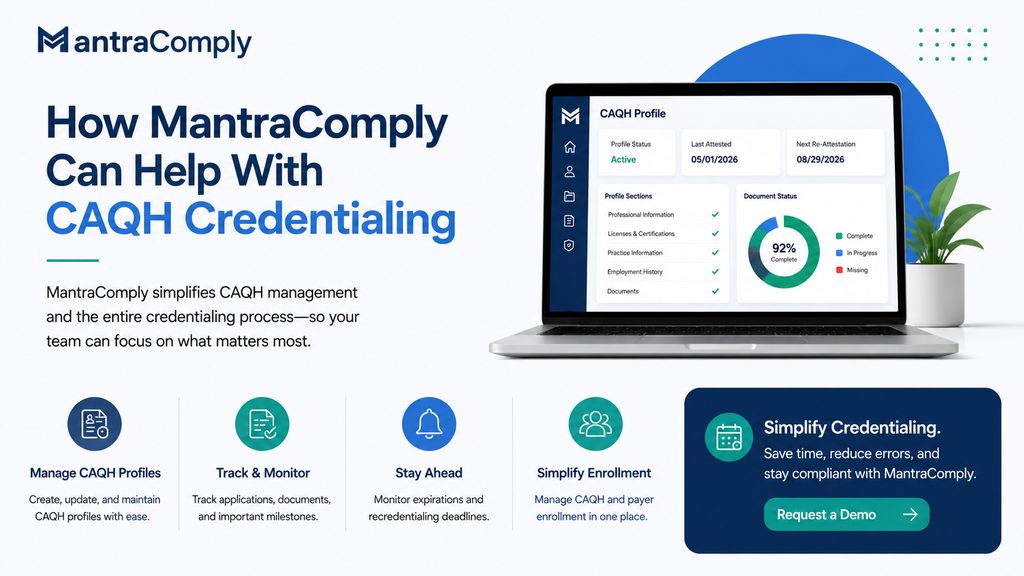
How MantraComply Can Help With CAQH Credentialing
Understanding how to fill out CAQH is important, but managing CAQH information is an ongoing part of provider credentialing. For organizations managing multiple providers, keeping profiles, documents, and deadlines up to date can become time-consuming.
MantraComply can help simplify this process with CAQH profile management, document tracking, application management, and recredentialing support.
Centralize Provider Information
Keep provider information and supporting documents organized in one place. This can reduce the need to manage scattered spreadsheets, emails, and files.
Manage CAQH Profiles
MantraComply can support CAQH profile creation and maintenance as part of a broader credentialing workflow. This helps keep CAQH-related tasks connected to the overall credentialing process.
Track Applications and Deadlines
Track credentialing applications, requirements, and important milestones. This gives teams better visibility into tasks that need attention.
Monitor Expirations
Track license, insurance, and credential expiration dates to help teams stay ahead of renewals and recredentialing requirements.
Support Payer Enrollment
Beyond CAQH, MantraComply supports broader payer enrollment and credentialing workflows. This helps organizations manage related processes through a more centralized system.
Overall, MantraComply can help reduce repetitive administrative work and give credentialing teams better visibility across their provider workflows.
CAQH Application Checklist
Before you consider your CAQH profile ready, review the following:
- Confirm your CAQH account and Provider ID.
- Check your personal and contact information.
- Confirm your provider type and specialty.
- Review education and training details.
- Verify all applicable professional licenses.
- Add current practice locations.
- Review hospital affiliations.
- Complete the required employment history.
- Add current professional liability insurance information.
- Upload required supporting documents.
- Check documents for expiration dates.
- Review the complete profile.
- Complete the attestation.
- Review your authorization settings.
- Check your provider status.
- Confirm any additional requirements with the relevant payer.
- Record your next re-attestation deadline.
Final Thoughts
Knowing how to fill out CAQH is important for healthcare professionals and organizations involved in provider credentialing.
The process starts with accurate account and profile information.
You then need to provide details about your education, training, licenses, employment history, practice locations, affiliations, and insurance. Supporting documents must also be uploaded when required.
After that, review your profile carefully and complete the attestation.
But the process does not end there.
CAQH requires ongoing maintenance. Most providers must re-attest every 120 days, while Illinois providers have a 180-day interval.
For organizations managing several providers, this ongoing work can become difficult to manage manually.
A credentialing platform such as MantraComply can help bring CAQH management, document tracking, application management, expiration monitoring, and broader payer enrollment workflows into one system.
The most important principle is simple: keep your information accurate, keep your documents current, and keep track of your credentialing deadlines.
That approach can make the CAQH process more manageable and help support a smoother overall credentialing workflow.
Frequently Asked Questions About Filling Out CAQH
The time varies by provider. The amount of information required can depend on your employment history, practice locations, postgraduate training, and other professional details. Having your records ready before starting can make the process easier.
The documents required can vary based on your provider profile and applicable requirements. CAQH identifies required supporting documents within the Provider Data Portal. Use the Documents section in your account as the primary reference rather than relying on a generic list.
Yes. If your professional information changes, update your CAQH profile and complete the applicable attestation process. Keeping information current is important because authorized organizations rely on the information available in your profile.
Most providers must re-attest every 120 days. Illinois providers have a 180-day interval under CAQH’s published guidance.
No. CAQH is part of the credentialing process. The individual health plan or organization determines its own credentialing and enrollment status and may have additional requirements.